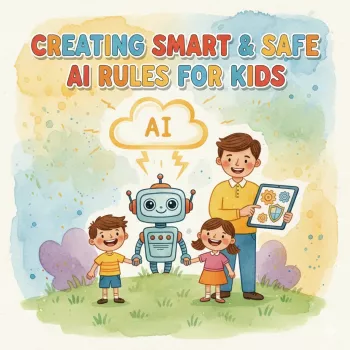
Kids should treat AI chatbots like a public bulletin board: helpful for general questions, but not a place for private details. Even when a chatbot sounds friendly, messages can be saved, reviewed, used to improve systems, or seen by people in some situations. The safest rule is simple—share ideas, not identity.
Never share full name, home address, school name, classroom/teacher names, phone number, personal email, date of birth, or any ID numbers. Even small details can be combined to figure out who a child is and where they can be found.
Kids should never type passwords, verification codes, PINs, or login links into a chatbot—ever. That includes game accounts, streaming services, school portals, and family devices. If an account problem comes up, a trusted adult should help using official support channels.
A selfie can reveal a school logo, street sign, house number, or location data. Avoid uploading images of faces, bedrooms, schoolwork with names, or anything that shows where someone lives or goes to school.
Don’t share where you are, where you’re going, or when you’ll be home alone. Real-time details like “I’m at the park on Elm Street right now” can create immediate safety risks.
Keep family details off-limits: parent schedules, money issues, medical information, custody situations, or arguments. These are sensitive topics that should stay within the family or with professionals.
If a message would be embarrassing, hurtful, or unsafe if copied and shared, it shouldn’t be sent. For kid-friendly ground rules and a practical checklist, see the full guide: Smart & Safe AI Rules for Kids.
Use a nickname, avoid personal details, and keep chats focused on homework help, creative ideas, or general questions. Have a parent set boundaries like time limits and a rule to ask an adult before sharing anything personal.










Leave a comment