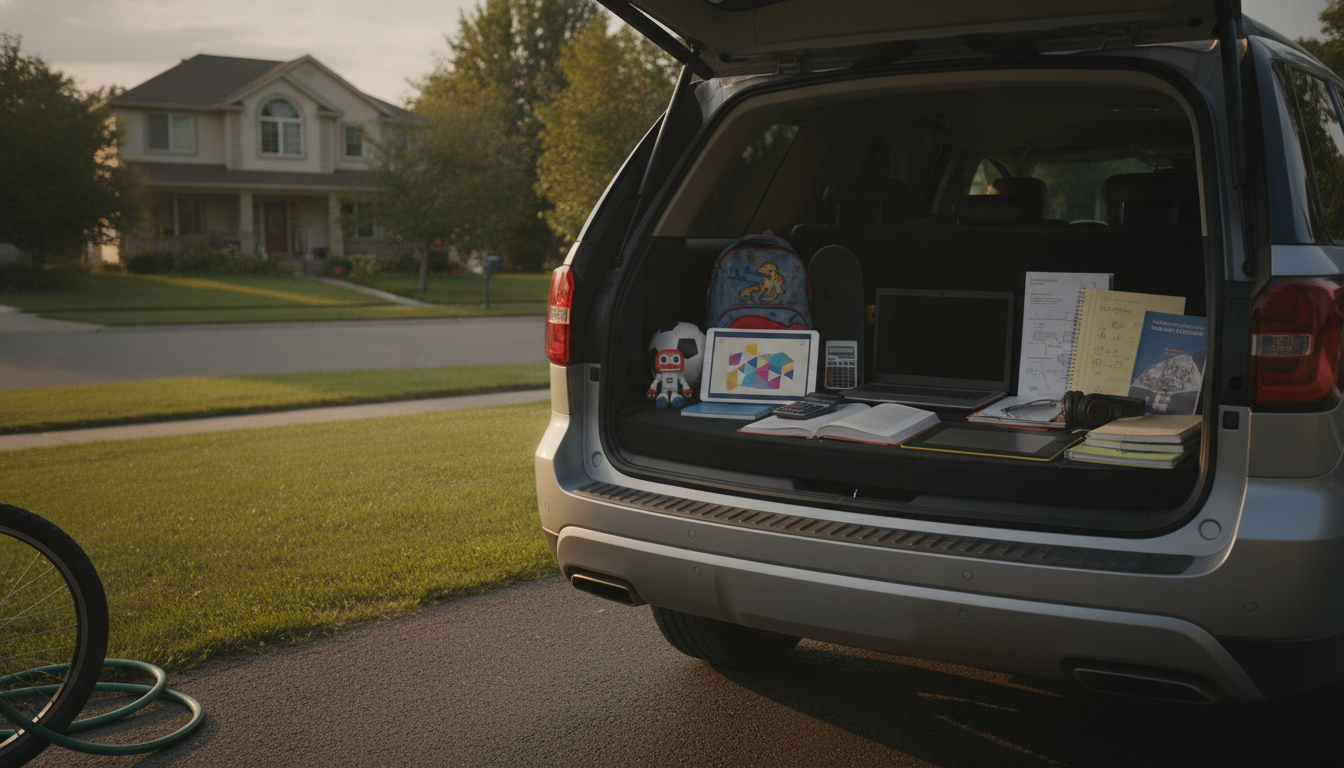
Start by matching rules to what kids can realistically understand and manage at each age: privacy basics in elementary school, judgment and digital reputation in middle school, and accountability plus long-term consequences in high school. Keep the rules short, repeatable, and tied to specific situations (homework, chatting, image generation, and accounts).
Use AI only with an adult nearby. Make a “no personal info” rule: no full name, school, address, phone, passwords, photos of faces, or location. Limit AI to kid-safe uses like story ideas, spelling help, or curiosity questions, and require kids to ask before starting a new app or chatbot. Add a “stop and tell” rule if the AI says anything scary, sexual, violent, or asks for secrets.
Allow more independence, but add checkpoints. Require kids to: (1) verify important facts using a trusted source, (2) never upload classmates’ photos or private screenshots, and (3) treat AI outputs as drafts, not final answers. Add a clear boundary: no using AI to bully, impersonate, or “test” friends. Set screen-time windows for AI use (homework block vs. free-time block) and review app permissions together once a month.
Shift from “permission” to “proof of responsibility.” Require disclosure when AI is used for schoolwork, keep a record of sources, and set rules for acceptable help (brainstorming, outlining, feedback) versus unacceptable help (submitting AI-written work as their own). Make consent non-negotiable for images, voice, and videos—no deepfakes, no voice cloning, and no posting AI edits of others. Encourage privacy settings, strong passwords, and a rule to never paste sensitive documents (medical, legal, financial) into a chatbot.
For a practical privacy and screen-time checklist you can copy into your family rules, see Smart, Safe AI Rules for Kids: Privacy & Screen-Time Checklist.
Use AI in shared spaces, never share personal info, and have kids show a parent the chat if anything feels weird, pushy, or upsetting.










Leave a comment