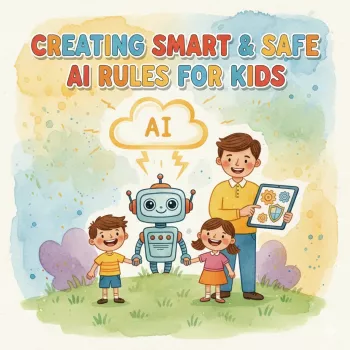
Start by making a simple, repeatable “no personal info” rule your child can follow every time they use an AI tool: if it could identify them, locate them, or contact them, it doesn’t get typed. Keep the rule visible near the device and practice it a few times with real examples so it becomes automatic.
Give kids a concrete list. Personal information includes full name, home address, school name, phone number, email, usernames, passwords, photos, precise location, birthday, and details about routines (like “I’m home alone after 3”). Add family info too: parents’ workplaces, siblings’ schools, or travel plans.
Teach kids to replace identifying details with safe placeholders. Example: “I’m a 10-year-old in 5th grade” instead of a real age plus school; “my city” instead of a neighborhood; “a friend” instead of a name. If they need help with something personal, they can summarize the situation without sharing who/where.
Before they hit send, they should quickly check: “Did I include a real name, a way to contact me, a location, or a secret?” If yes, delete or replace it. Younger kids can read the message out loud to a parent first; older kids can use the checklist independently.
Keep AI tools on parent-managed accounts when possible, turn off chat history if it’s optional, and avoid linking email contacts or cloud files. Use parental controls to limit which apps/sites are accessible, and keep voice assistants from reading messages or accessing calendars without supervision.
Make “pause and ask” part of the rule: if they’re not sure whether something is personal, they stop and check with a parent. A calm, non-punitive response helps kids ask before they share.
For a printable privacy-and-screen-time approach that pairs rules with real-life examples, visit this smart, safe AI rules guide for kids.
Tell a parent right away. Then delete the chat if possible, change any exposed passwords, and review account privacy settings to reduce further sharing.










Leave a comment